


The same batch,
from iPhone to PC.
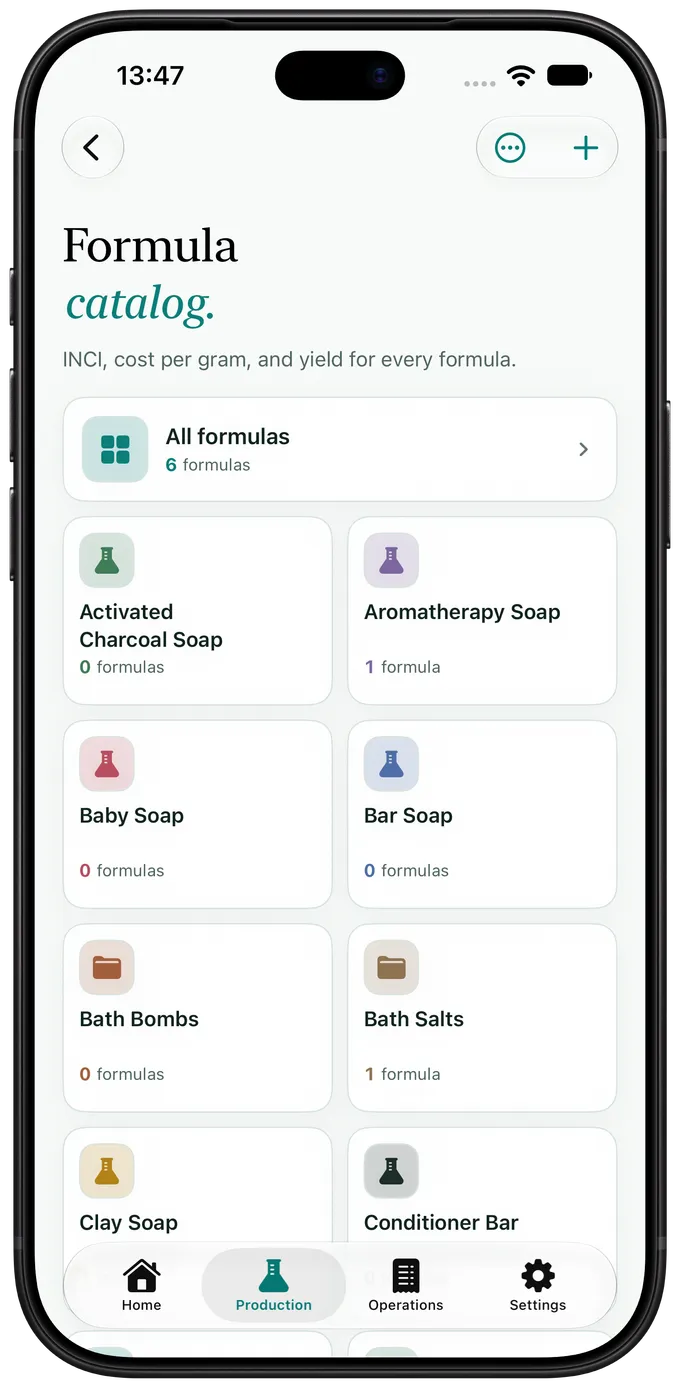
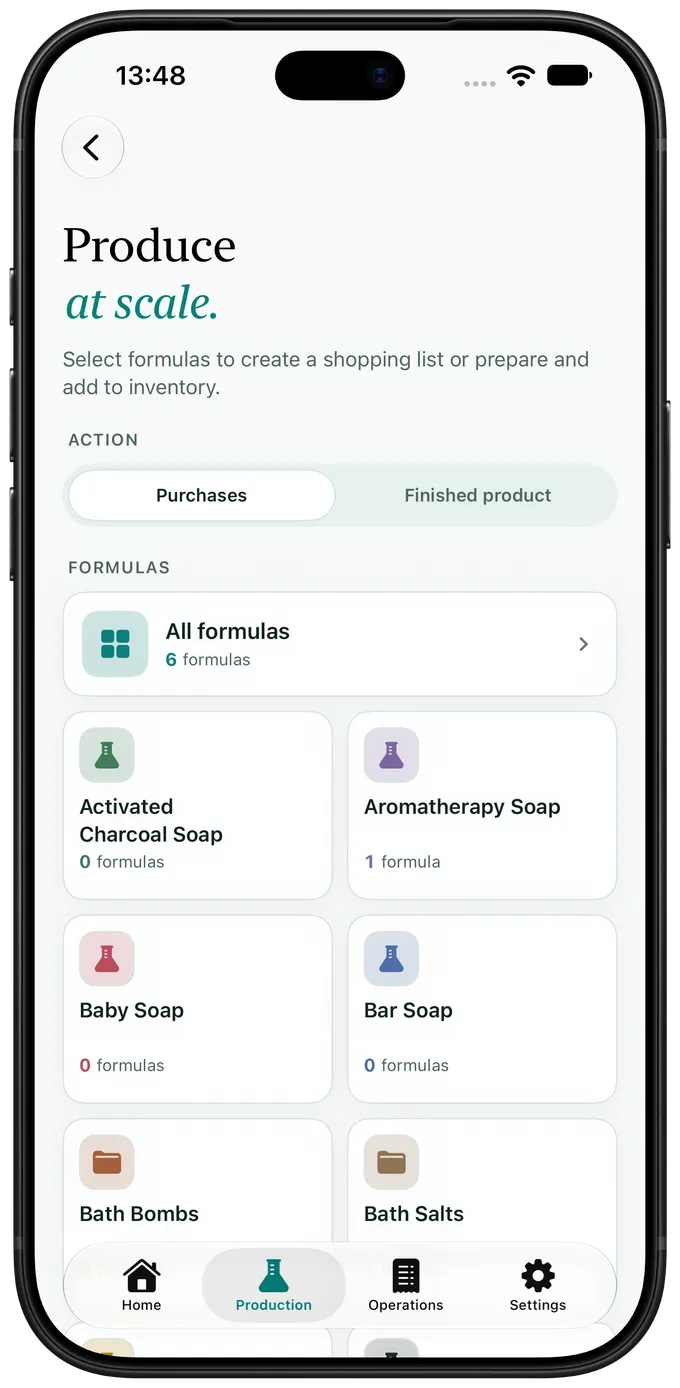
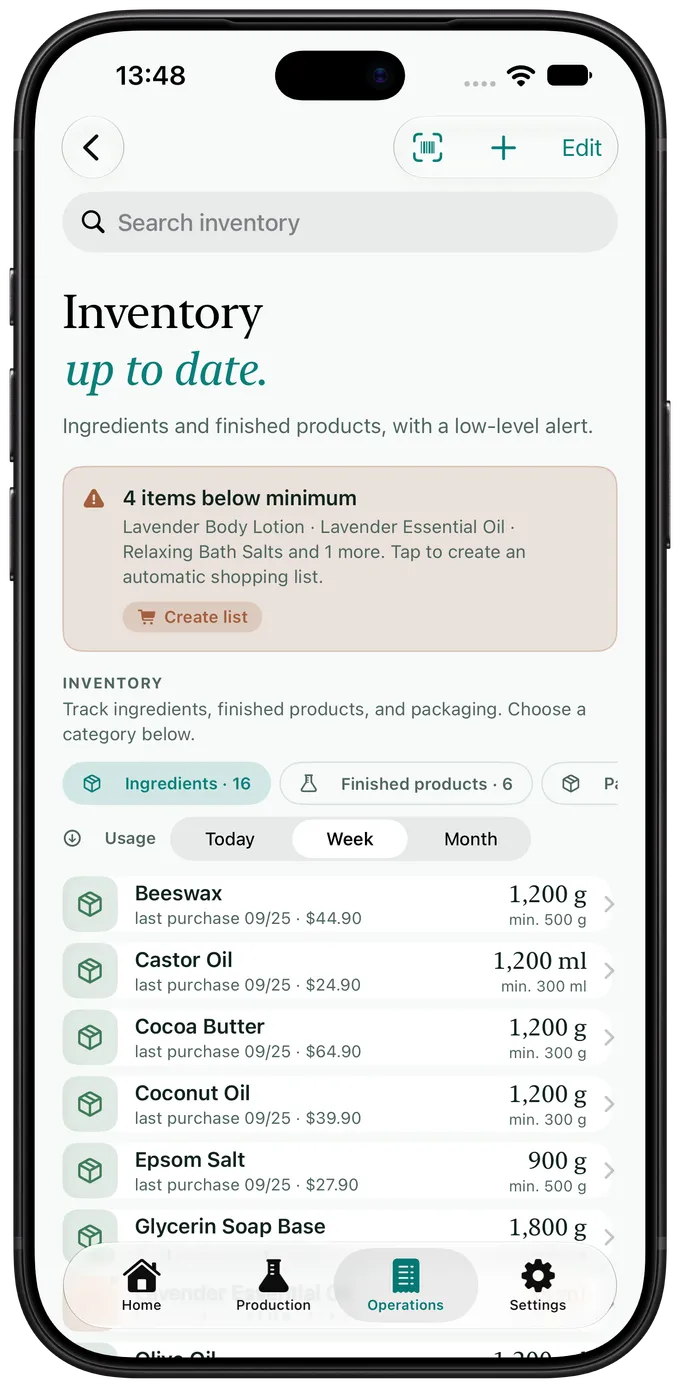
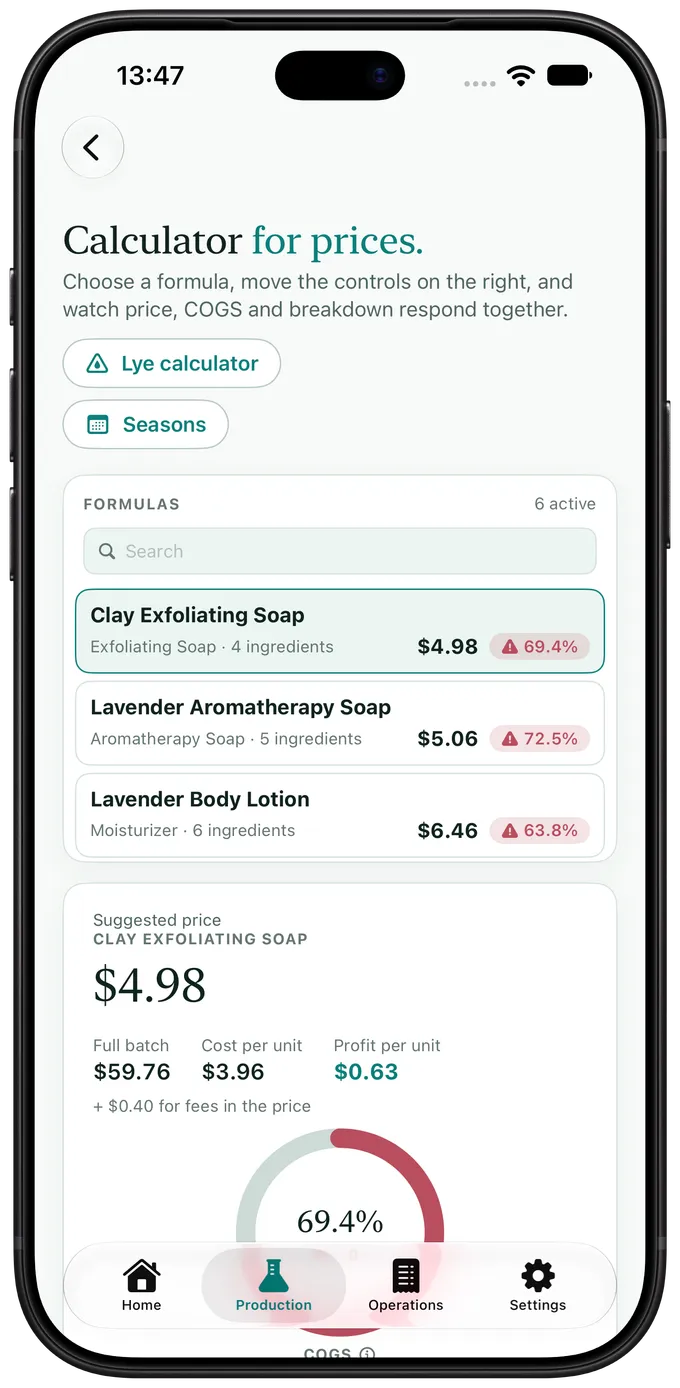
The four steps do not live on one device. You weigh the batch on iPhone or an Android phone, with the app open on the bench. You check inventory on iPad, with the whole sidebar in view. You close the month on Mac or a Windows PC, with a keyboard and a wide column. It is the same workshop: Apple devices sync through iCloud, Google Drive carries the same data to Android and Windows, and everything stays to hand when the bench loses signal.
iPhone
Weighing the batch, reading an invoice through the camera, and taking stock down at the moment production happens.
Download on the App Store →Android
The same bench on an Android phone, installed from Google Play. Batch weighing, barcode scanning with the camera, and stock updates, synced through Google Drive.
Get it on Google Play →iPad
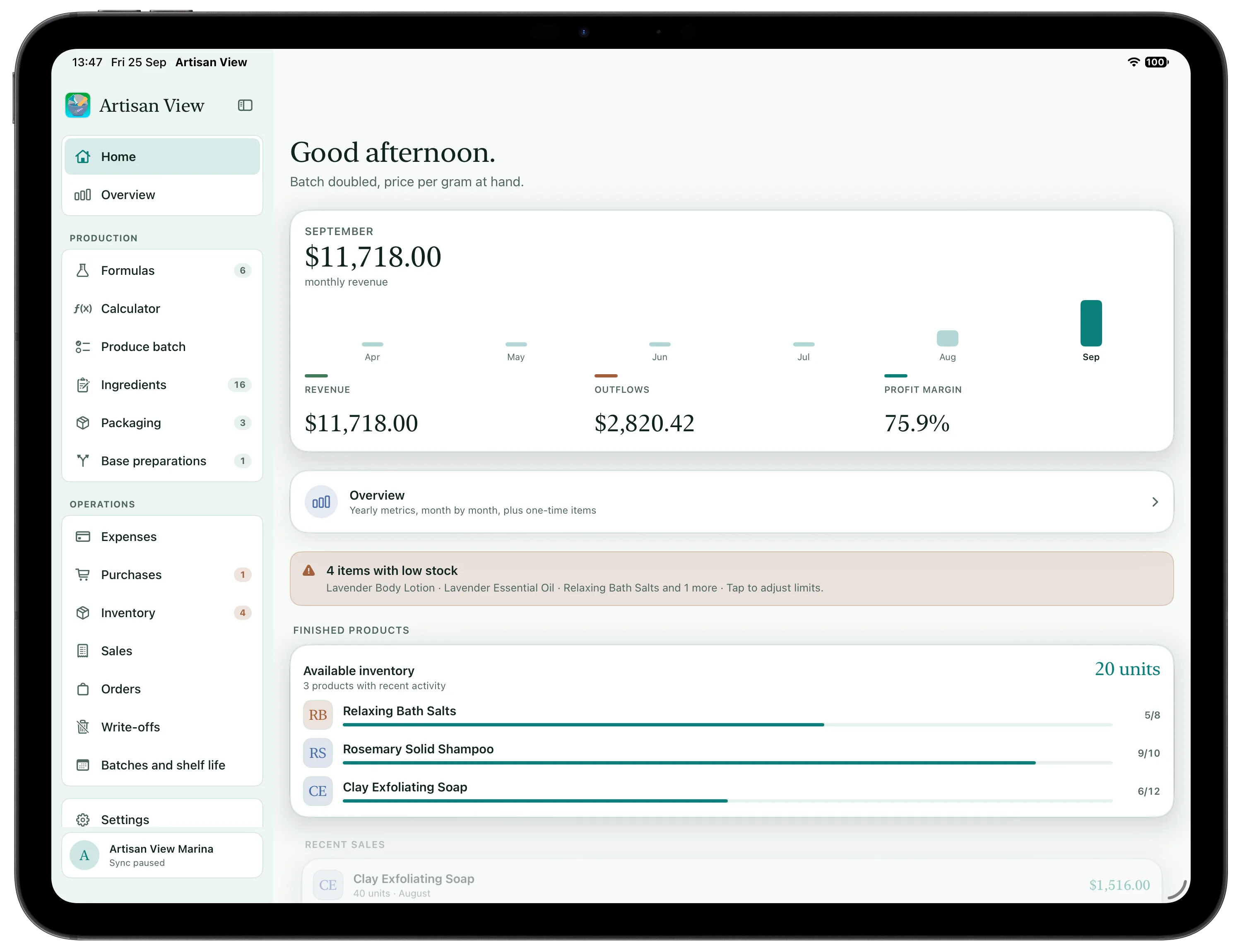
The sidebar stays in view: formulas, batches, ingredients, inventory and sales one tap away, with the month beside them.
Download on the App Store →Mac
Costs, margins and the result on a large screen, to review a price and plan the next run.
Download on the App Store →Windows
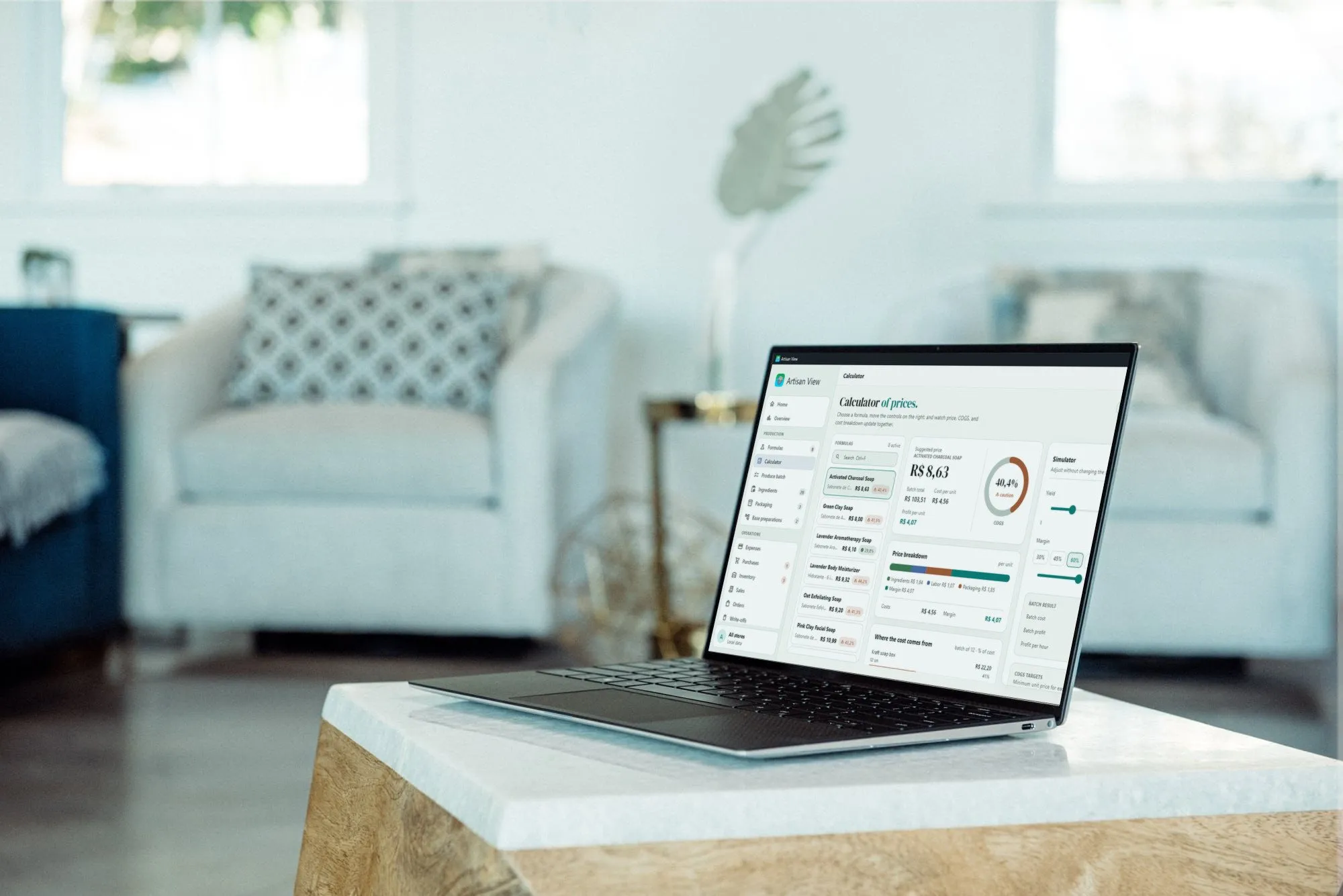
The same workshop on your PC, installed from the Microsoft Store. Formulas, batches, inventory, and sales on a big screen, synced with your phone through Google Drive.
Download on the Microsoft Store →Web
A lighter version right in the browser, for a borrowed computer or a quick look when the native app is not at hand.
Open the web app →