Traceability by batch
Link the batch number to the formula, date, and raw materials used.
Know which formula you used, what went into production, and what each batch run cost. The record stays connected to inventory and the finished product.
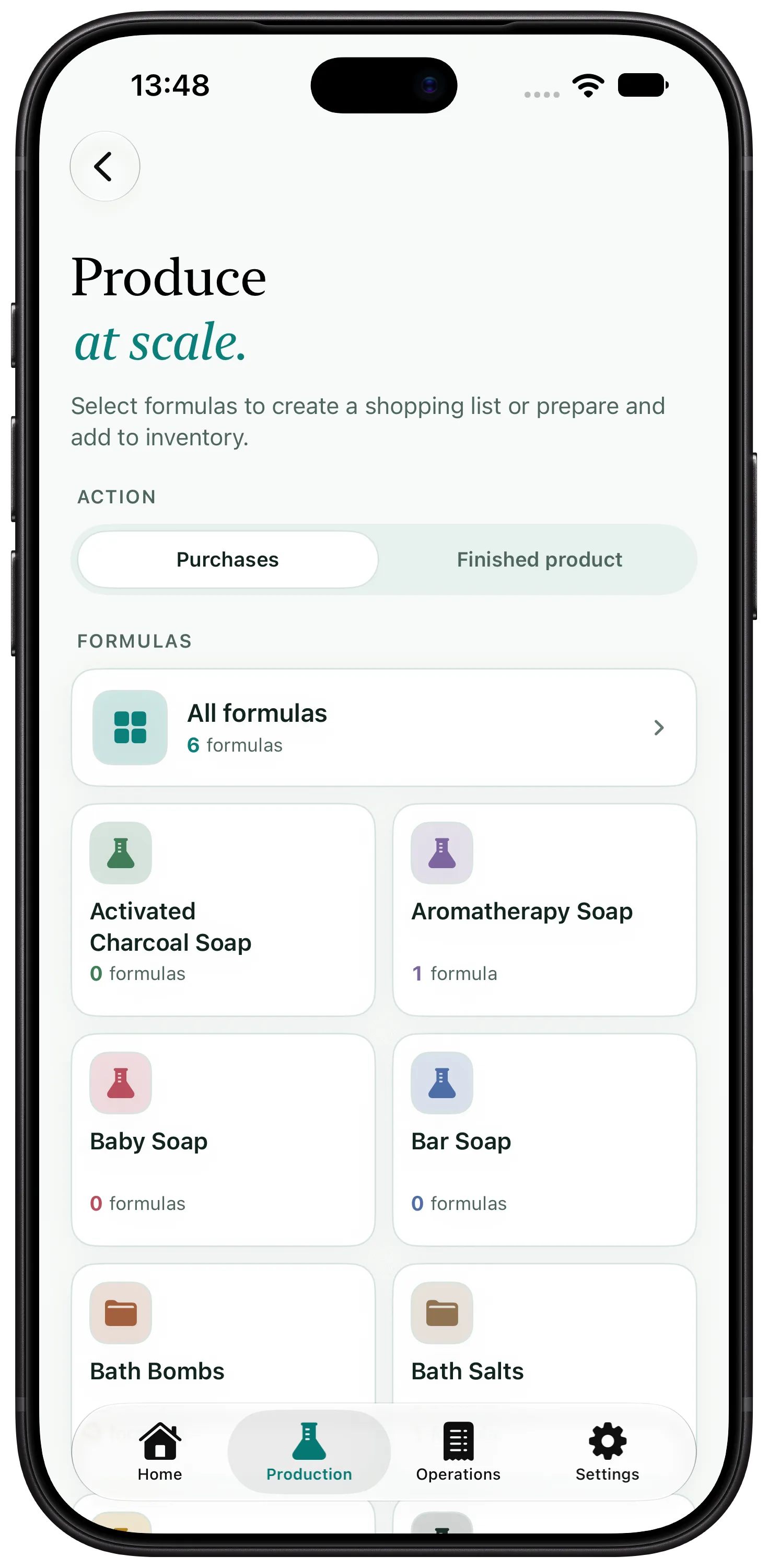
Link the batch number to the formula, date, and raw materials used.
Calculate each batch's actual cost from the prices you pay for its ingredients.
Deduct the quantities used when you complete the batch.
Use the formula version that matches the product you are making.
Enter the yield or total mass to generate the weigh sheet.
Record dates, yield, losses, cost, and the finished-product inventory entry.
The code printed on the label only helps if you can trace a sold unit back to the production run it came from. The record should show what happened in that batch.
Artisan View keeps the batch together with its formula and inventory usage. It helps you find the records, but it does not define the regulatory or manufacturing requirements that apply to your business.
Record the formula used, batch number, dates, quantities, yield, losses, and raw materials used.
Yes. When you complete production, the app deducts the raw materials based on the quantities you recorded.
The app stores the code you define. The manufacturer should use a system that allows the production run to be traced reliably.
Add a formula, make a batch, and see the real cost in the same place.
Try free for 7 days